WordPress to Next.js and Sanity Without Losing SEO
A lot of teams want to leave WordPress for a faster and cleaner setup.
What stops them is not the rebuild itself.
It is the fear of losing rankings, traffic, metadata, redirects, and all the SEO controls that are already working well enough today.
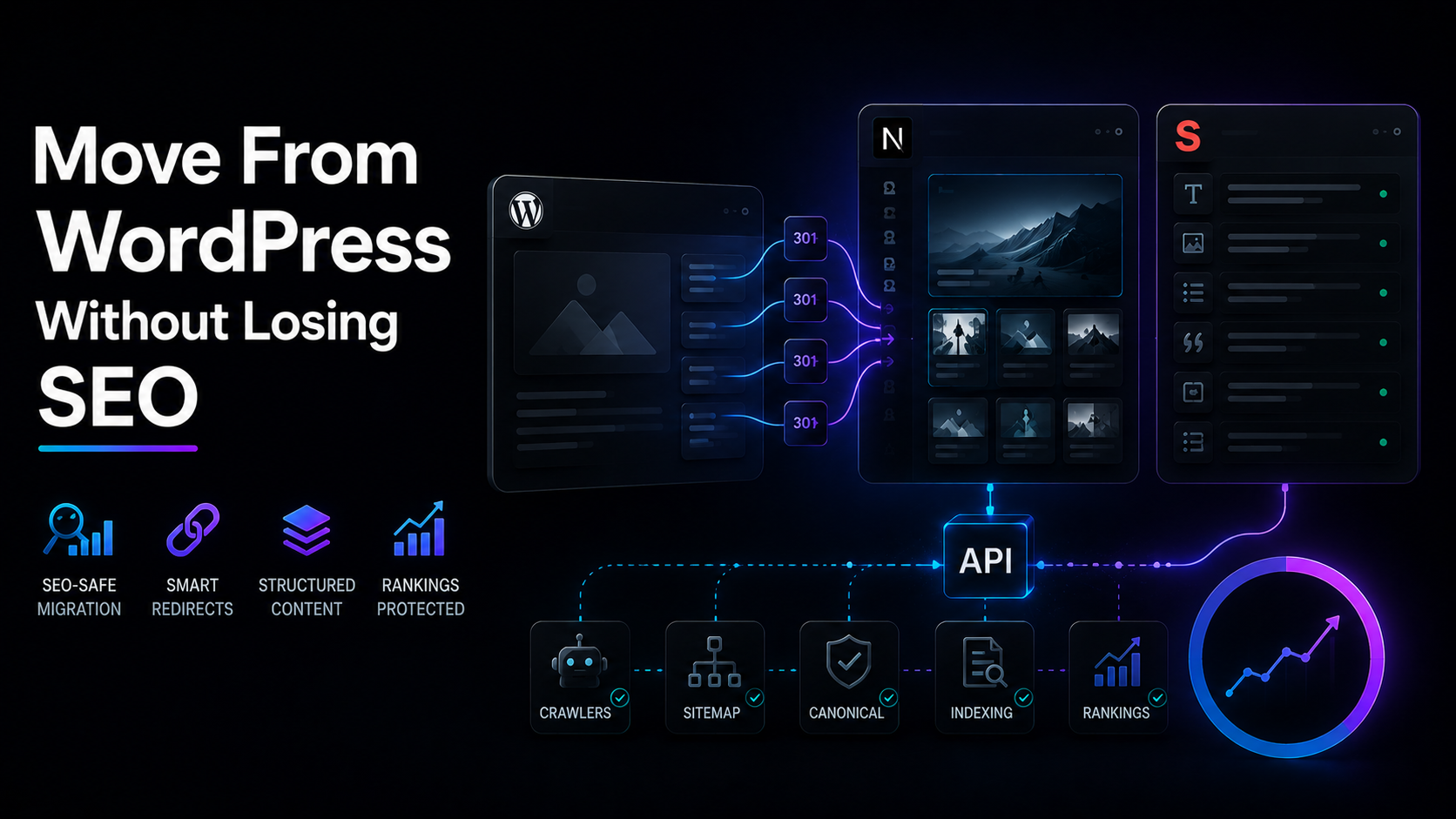
That concern is valid.
A WordPress migration can improve speed, maintainability, and content structure, but it can also damage search performance if SEO handling is treated as an afterthought.
The good news is that a move to Next.js and Sanity can be done safely when SEO is planned from the beginning.
Why teams migrate away from WordPress
WordPress still works for many businesses.
But over time, some sites become harder to maintain because of plugin sprawl, page builders, theme constraints, and growing frontend complexity.
That is often when teams start looking at a setup that gives them better performance and more control.
A recent migration write-up highlighted common motivations like faster load times, lower maintenance, fewer breaking updates, and easier structured content editing outside the usual WordPress overhead.
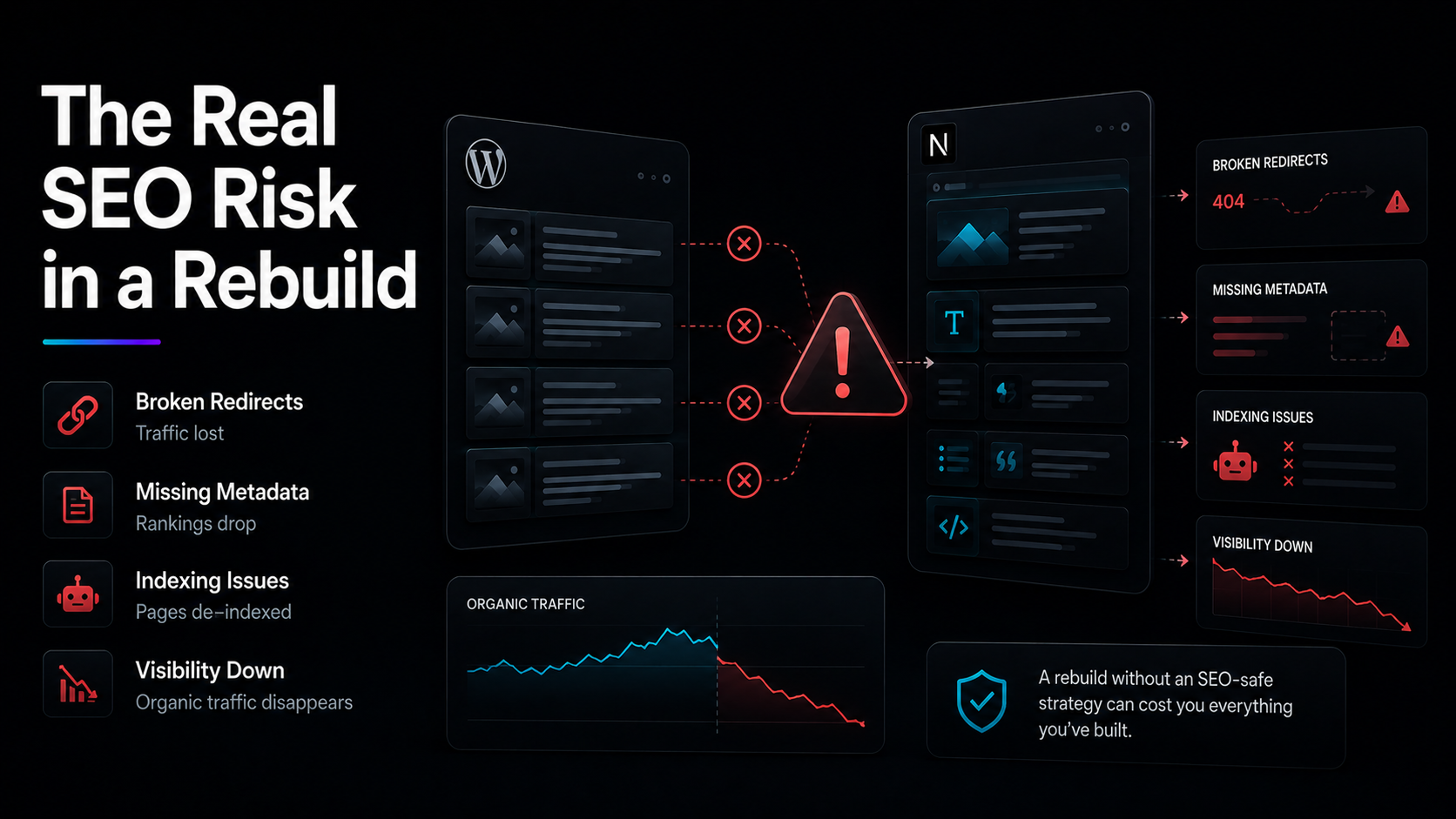
The real SEO risk in a headless move
The biggest SEO mistake is assuming the new stack will automatically keep everything WordPress used to handle for you.
It will not.
In WordPress, things like XML sitemaps, robots directives, meta fields, and some content controls are often already available through the theme or SEO plugins. In a headless setup, those have to be designed intentionally in both the frontend and the CMS model.
That means the migration has to preserve:
- page URLs,
- redirects,
- metadata,
- canonical behavior,
- Open Graph data,
- sitemap generation,
- robots rules,
- structured content fields that support SEO workflows.
What Next.js and Sanity improve
When done well, the new stack gives teams a cleaner long-term SEO foundation.
Next.js supports strong performance and flexible rendering strategies, while Sanity allows a more structured content model than a plugin-heavy WordPress setup.
That helps with:
- faster page delivery,
- cleaner frontend code,
- reusable SEO fields across content types,
- more controlled page templates,
- easier scaling for landing pages and content hubs.
How to migrate without losing rankings
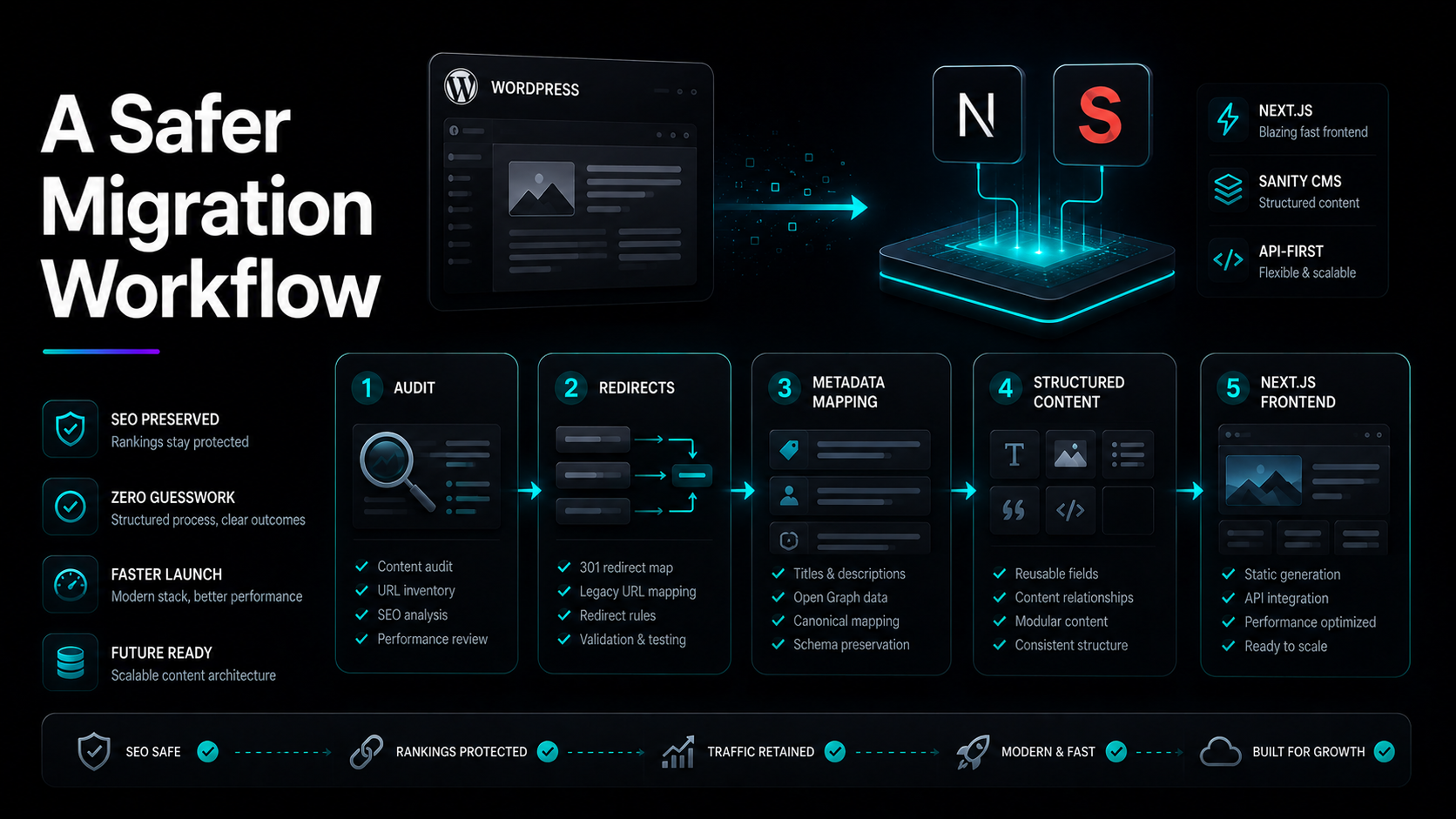
A safe WordPress-to-headless migration usually follows this process:
1. Audit what currently drives traffic
Export top pages, rankings, backlinks, metadata, and indexable URLs before changing anything.
2. Preserve or map every important URL
If URLs change, define permanent redirects before launch so search engines and users still land in the right place.
3. Rebuild SEO controls inside Sanity
Do not launch until editors can manage core SEO fields such as titles, descriptions, social sharing content, and page-level controls without needing a developer for every edit.
4. Generate technical SEO output in Next.js
Sitemaps, robots rules, canonicals, and metadata logic should be part of the build, not a last-minute patch.
5. Launch only after testing
Check metadata, schema output, redirects, crawl paths, and page rendering before switching domains or pushing the final release live.
Quick next step
If the site already depends on search traffic, the migration plan should start with SEO preservation, not only frontend design.
That usually means auditing the current site, mapping important URLs, and rebuilding editing controls in a way the team can actually manage after launch.
When WordPress should stay part of the system
Not every team has to leave WordPress completely.
For some businesses, headless WordPress is still the better migration path when the editorial team already works comfortably in wp-admin and retraining would create more friction than value. Sanity is often stronger for greenfield or highly structured content workflows, but the best answer depends on the team, not just the framework.
That is an important point.
A migration should improve operations, not just change tools.
Who this migration is best for
This type of move is usually strongest for businesses that want performance and flexibility, but also need a CMS setup their team can actually work with after launch.
It is especially useful for:
- service businesses with SEO-driven leads,
- content-heavy marketing sites,
- startups rebuilding around growth,
- agencies modernizing client stacks,
- businesses tired of plugin maintenance and theme constraints.
Need help planning it properly?
A migration like this usually goes wrong when SEO is bolted on too late.
A better approach is to treat the rebuild as both a development project and a search visibility project from day one.
Frequently Asked Questions
Can WordPress to Next.js and Sanity improve SEO?
It can improve the technical foundation, but rankings are only protected when SEO elements are migrated carefully.
Will I lose all my WordPress SEO settings?
You can preserve the underlying SEO logic, but it has to be rebuilt intentionally in the new CMS model and frontend setup.
Is WordPress always worse than headless?
No.
A well-engineered WordPress site can still perform well, and sometimes a hybrid or headless WordPress setup makes more sense than a full move to Sanity.
Conclusion
WordPress to Next.js and Sanity can be a strong upgrade for performance, structure, and long-term maintainability.
But the migration should be planned as an SEO project, not only a frontend rebuild.
When SEO fields, redirects, metadata logic, and editorial workflows are carried over carefully, the move becomes much safer and much more valuable.